Topics
A topic is one page of knowledge: a use case, a web service, a database, a screen, a test scenario, a sequence diagram. Topics are written by AI agents, through flows, for a persona, and people read them in the explorer.
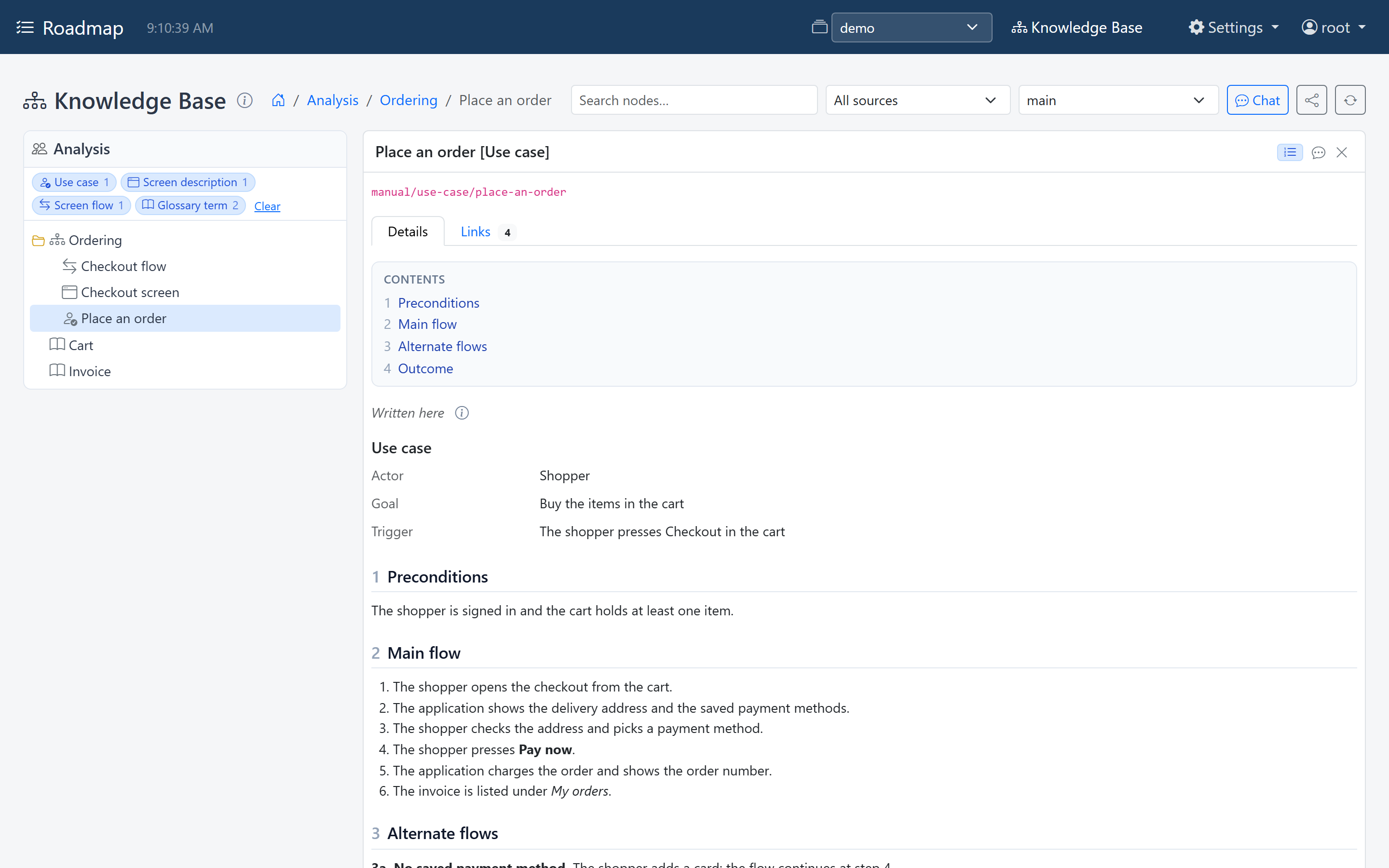
A topic up close
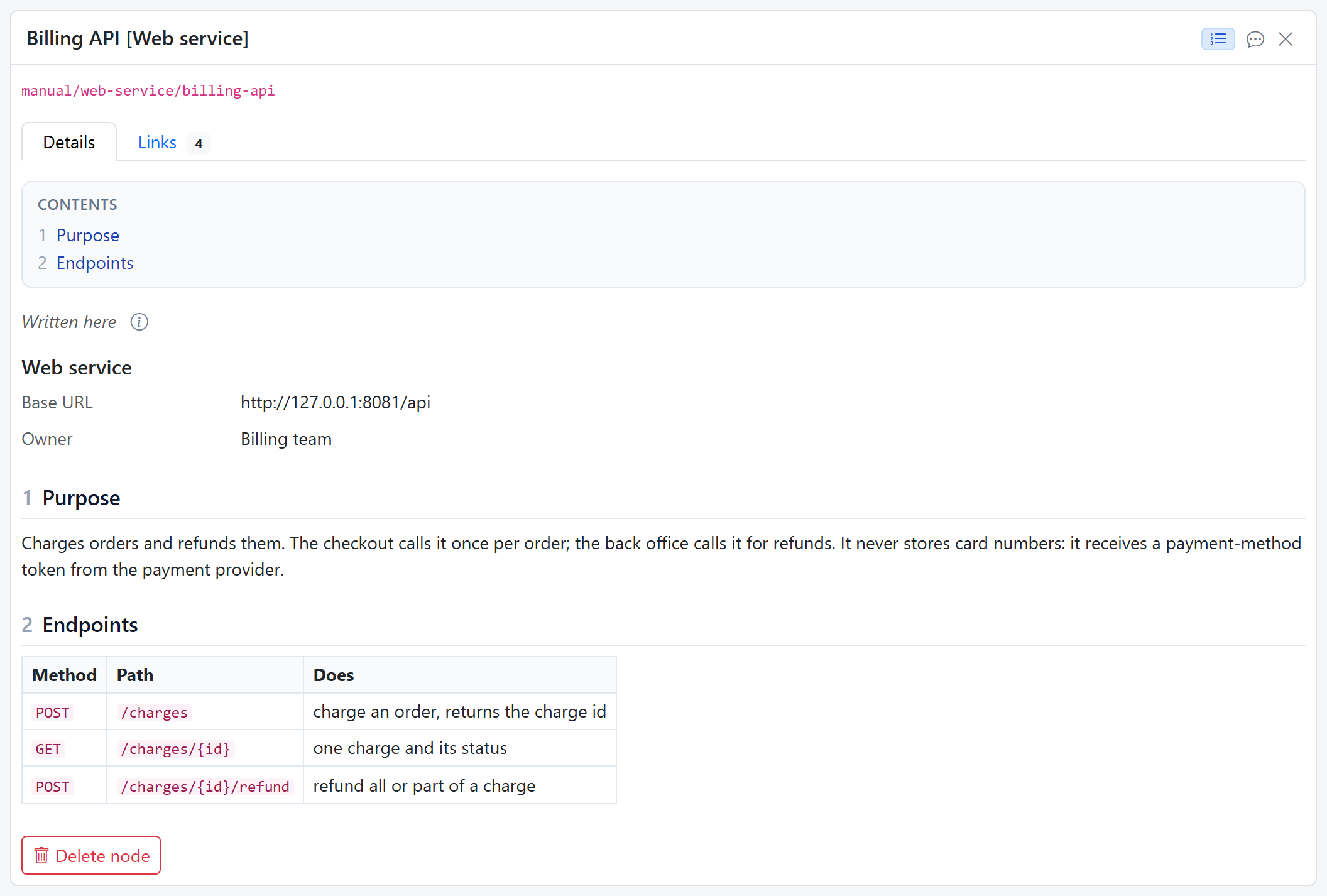
Selecting a topic opens it, titled with its name and its type in brackets, such as Billing API [Web service]. The Details tab shows its short fields, then its document: a table of contents and every section, with tables, diagrams and screen sketches drawn.
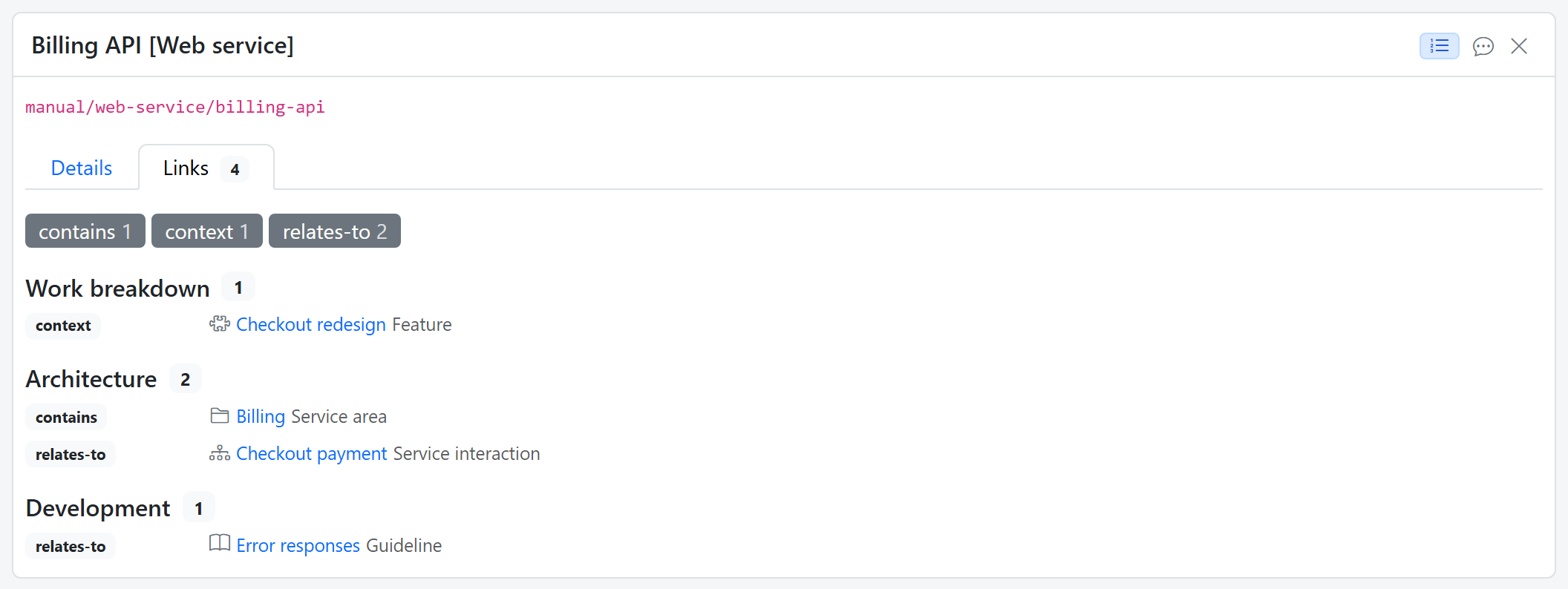
The Links tab shows how the topic relates to others, grouped by lane, with one toggle per kind of relation. A link opens the topic at the other end.
Topic types
Every topic has a type, and the type says what a topic of it holds. Use one type per kind of information: Database and Web service are two types, not one "technical asset" type.
The type is the specification
When an AI writes a topic, the type's description, fields and template are what it's asked to fill in. A vague type description produces vague topics.
A type is one of three kinds:
| Kind | What it is | Lives in |
|---|---|---|
| Topic | the page somebody wants to read: a use case, a web service, a test scenario | a persona's lane |
| Folder | a group of topics, such as a Service area above its services; it can have content of its own, saying what the group is for | a persona's lane |
| Unit of work | a project, a feature, a step | the work breakdown |
A topic or folder type is written for one persona, or shared by everyone: a Glossary term, for example, appears in every lane.
And it has one of two forms:
- Structured: a short list of fields, such as Engine and Host for a database. Every topic of the type answers the same questions, so they can be compared. A field holds short or long text, a number, yes or no, a date, a link, or a diagram or screen sketch.
- Unstructured: free text, with an optional template, so the tenth test scenario has the same headings as the first.
Examples
Each of these is a topic of a different type, as the explorer shows it:
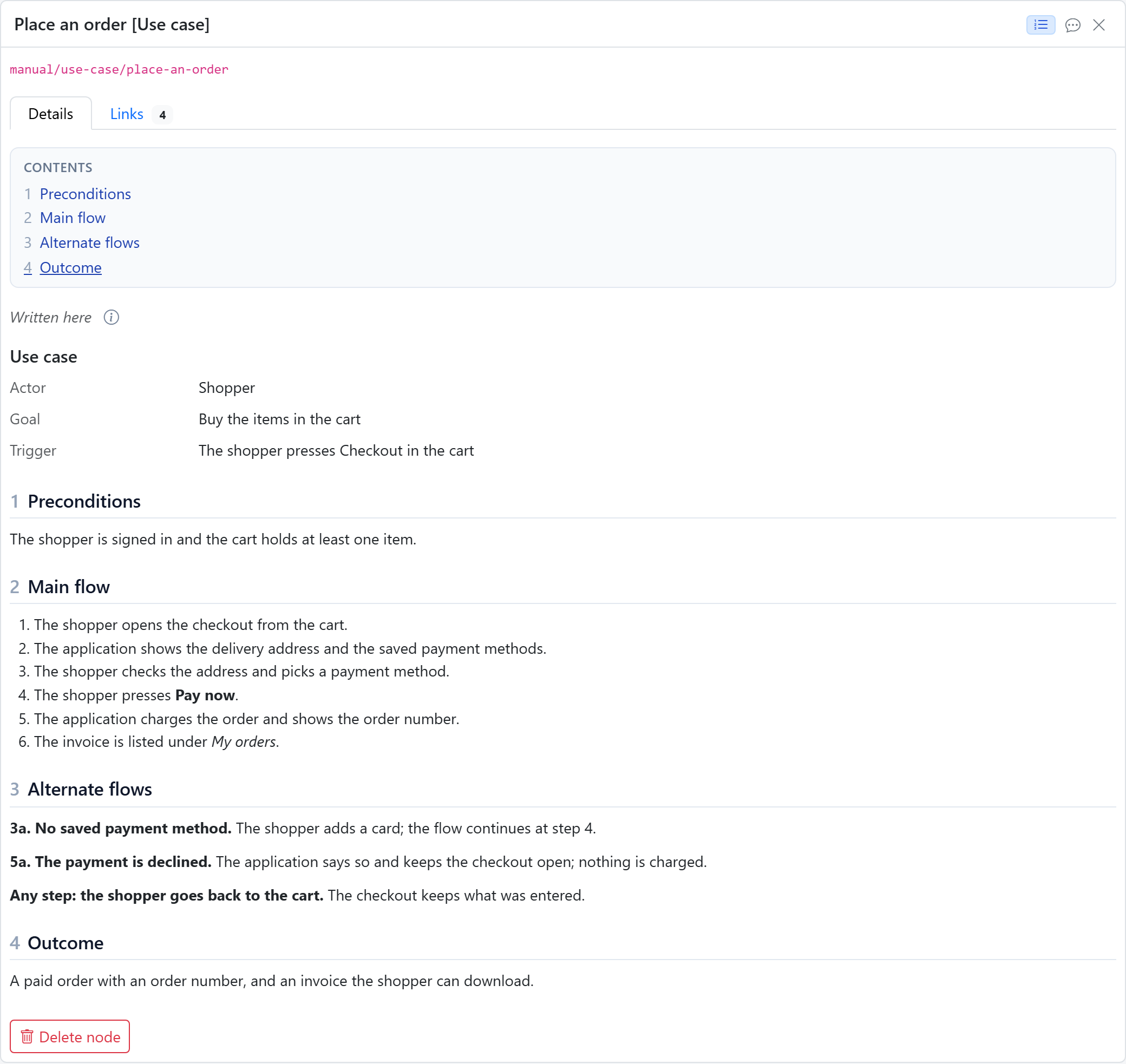
Place an order, for the Analysis persona: the actor, goal and trigger as fields, then the preconditions, the main flow, the alternate flows and the outcome.
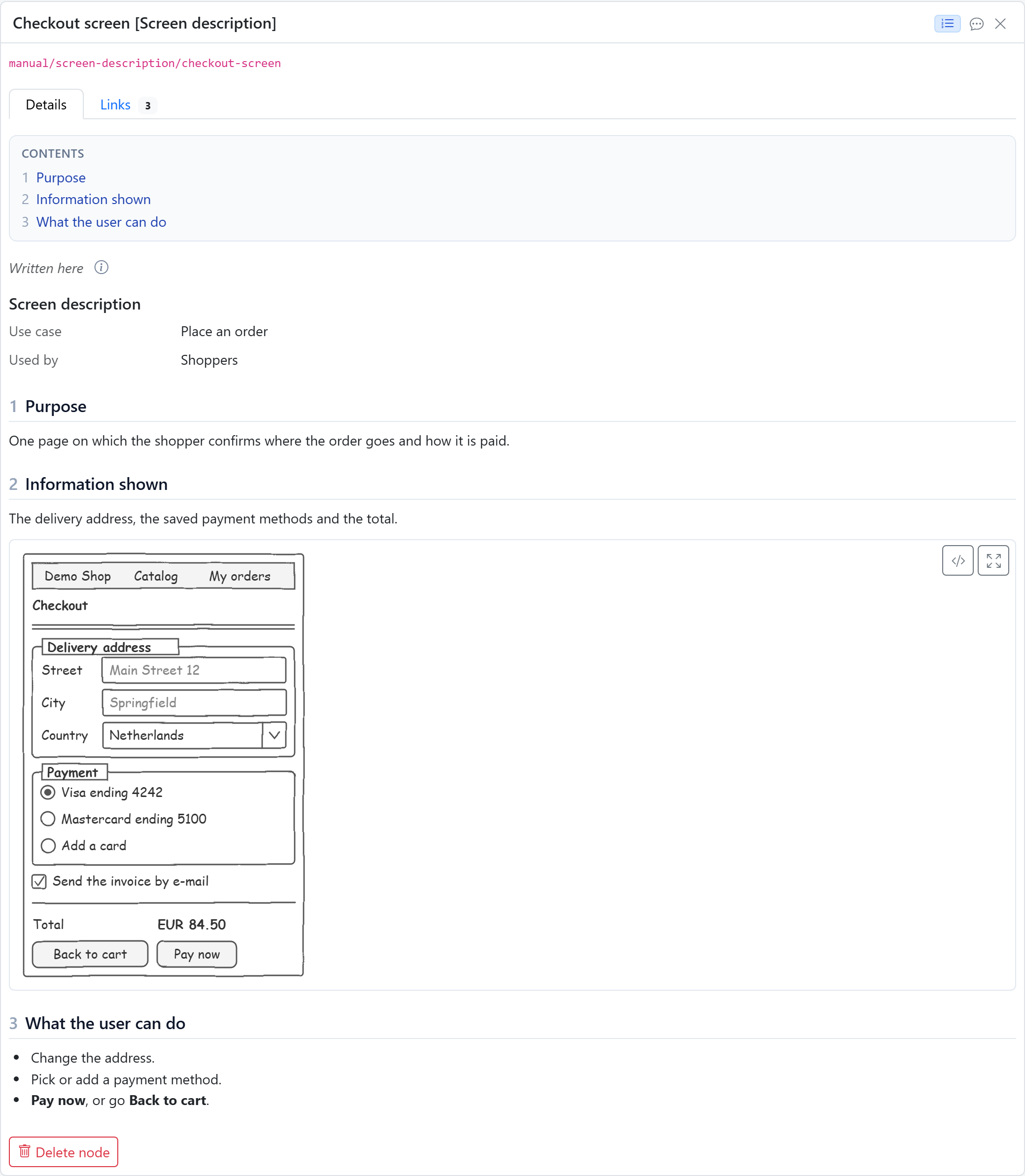
Checkout screen, a screen description with a sketch of the screen, drawn in the browser.
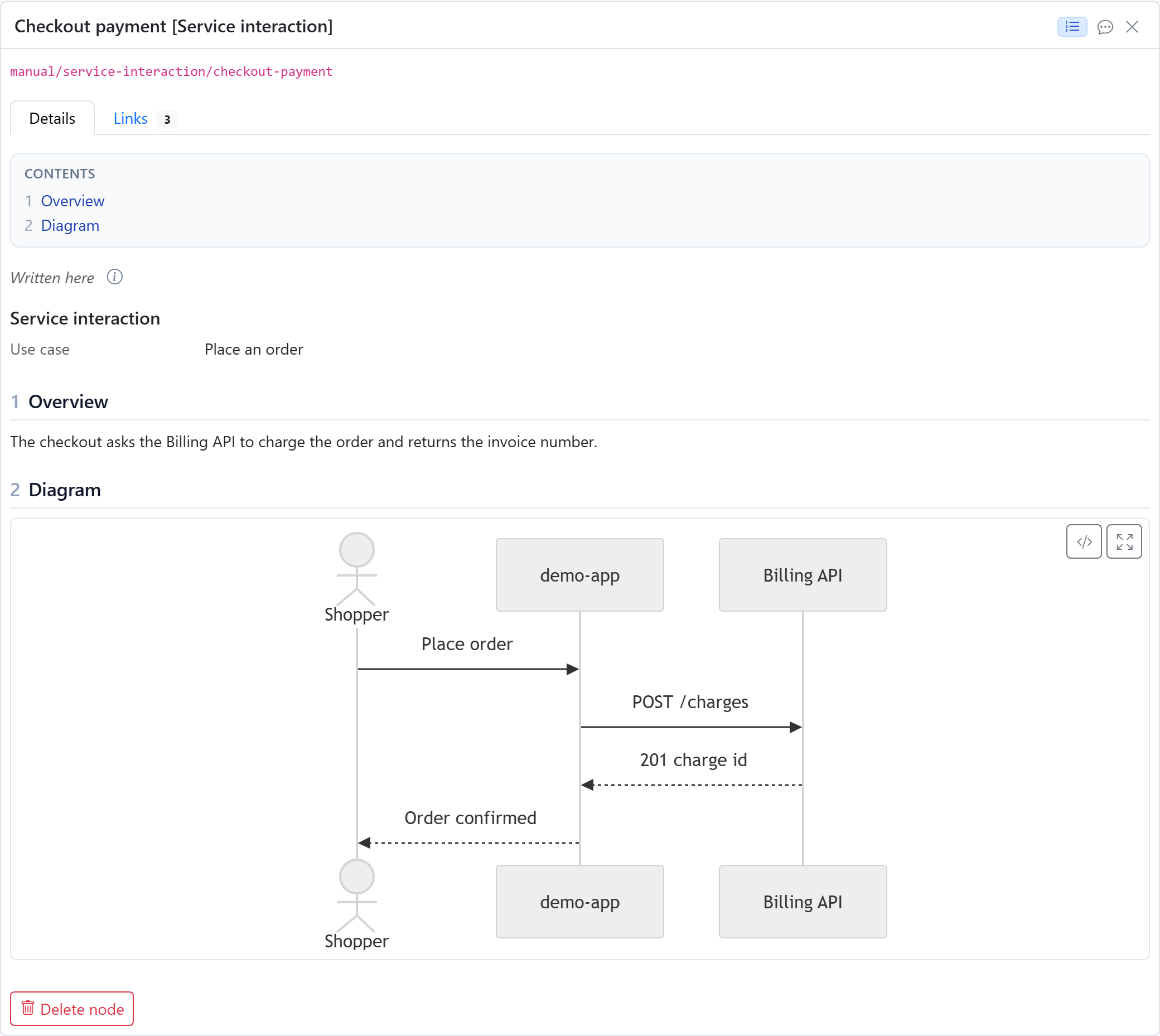
Checkout payment, for the Architecture persona: which services the checkout calls, and in what order.
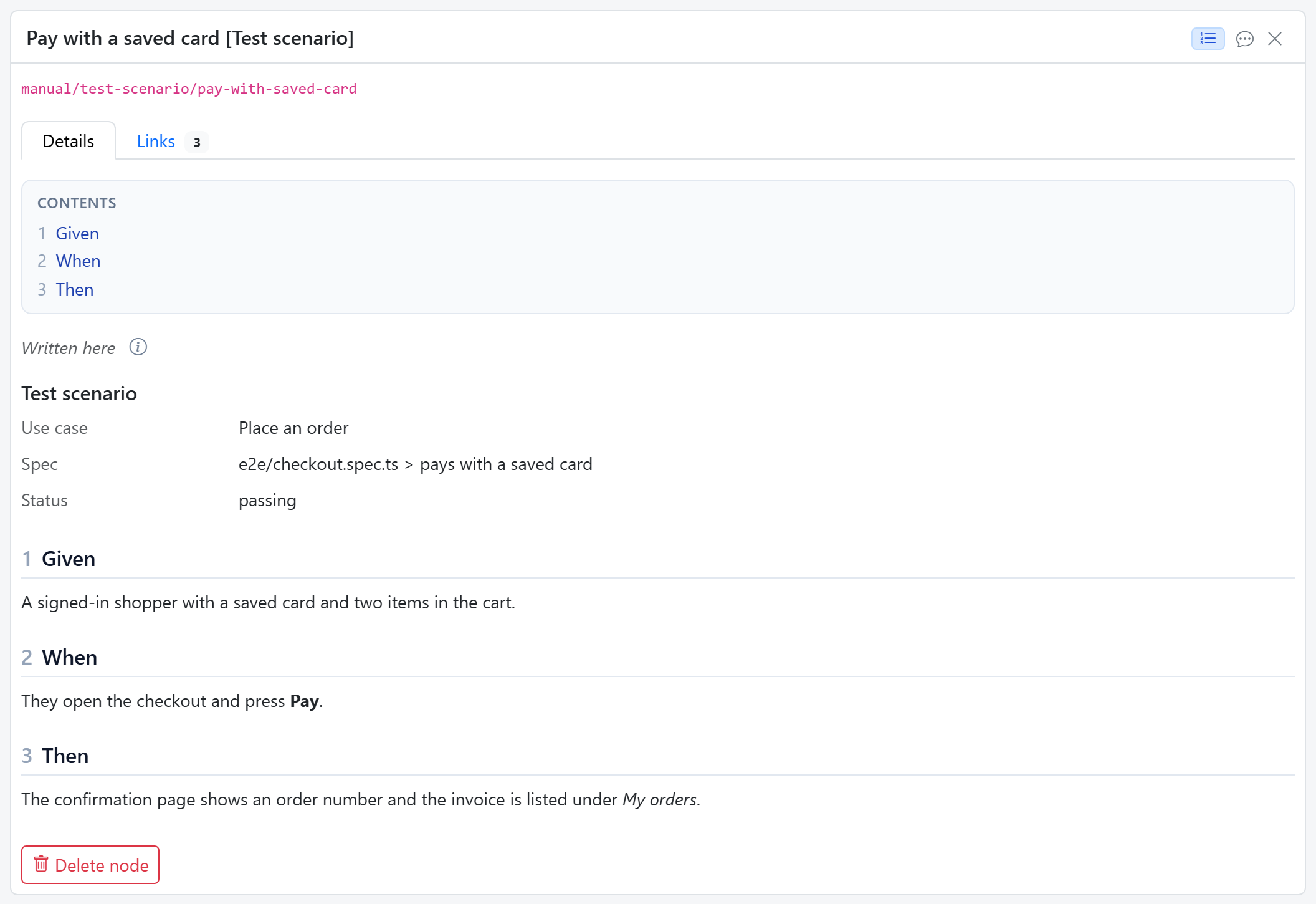
Pay with a saved card, for the Testing persona: the use case and the test it belongs to as fields, then Given, When and Then.
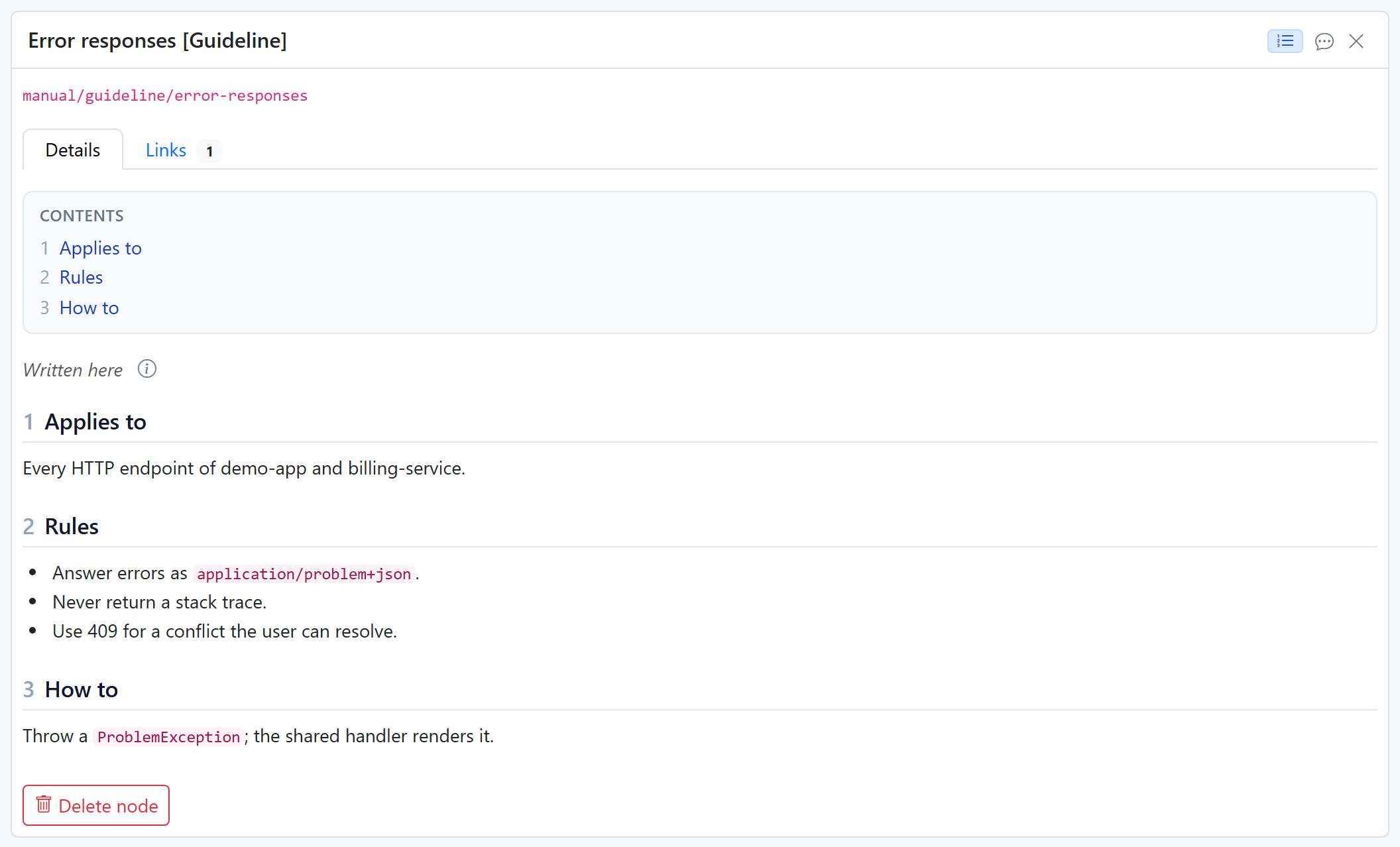
Error responses, an unstructured type for the Development persona: free text under the headings of the type's template.
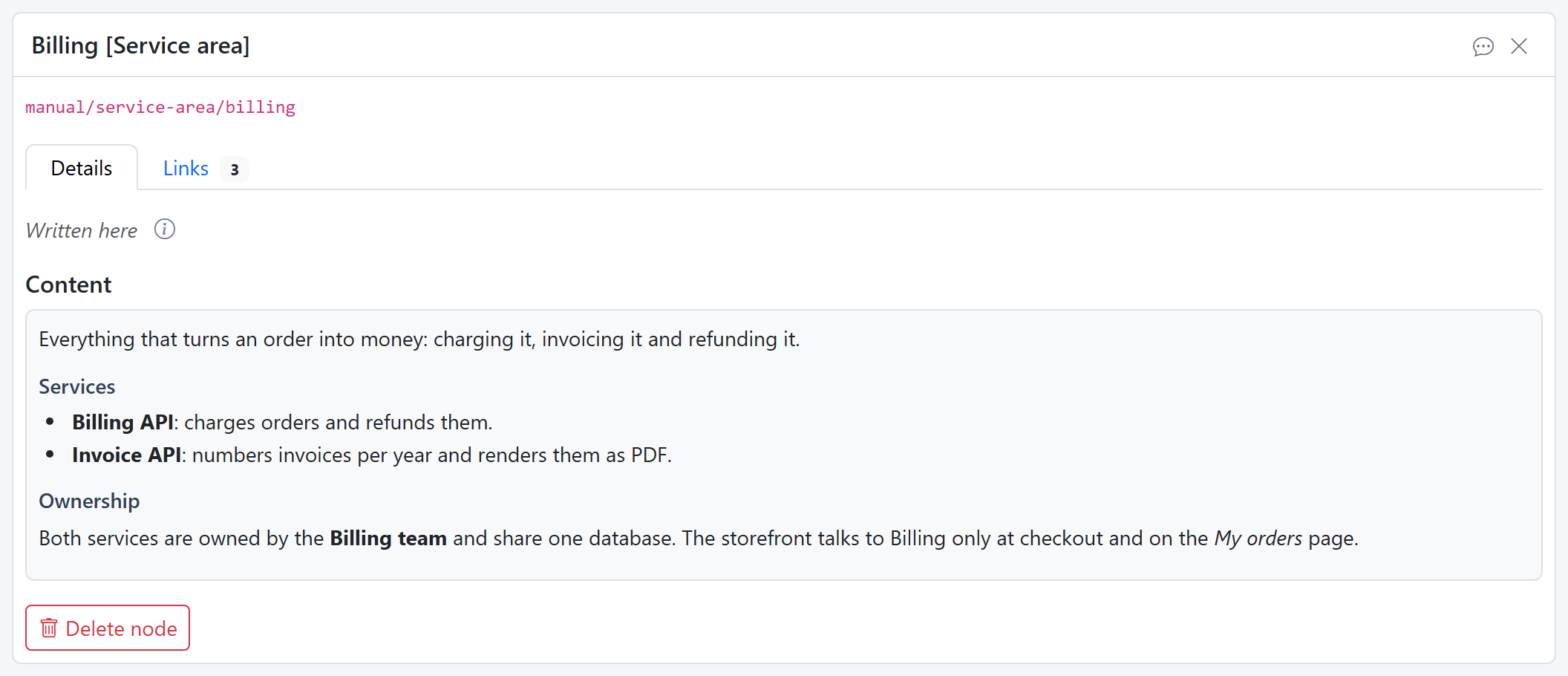
Billing, a service area: a folder whose own content says what the group is for, with headings, lists and bold as written.
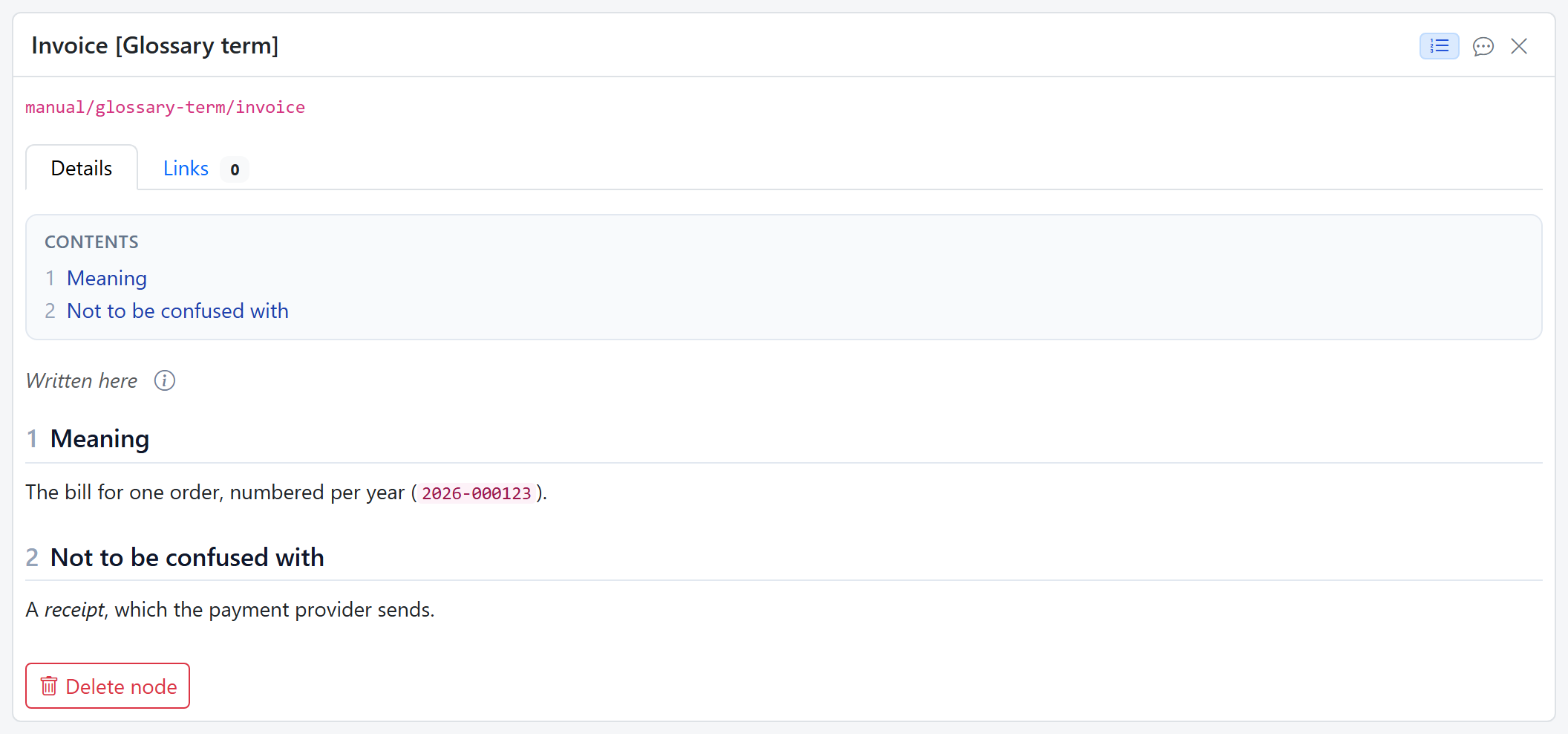
Invoice, a type shared by everyone, so it appears in every persona's lane.
Add a topic type
Topic types are set up per space, next to the personas, under Workspace settings → Knowledge Base → Layer 2, and that needs the admin role. To start from ready-made topic types instead, install a pack. Click + Add node type, or the + next to Shared by everyone or Work breakdown:
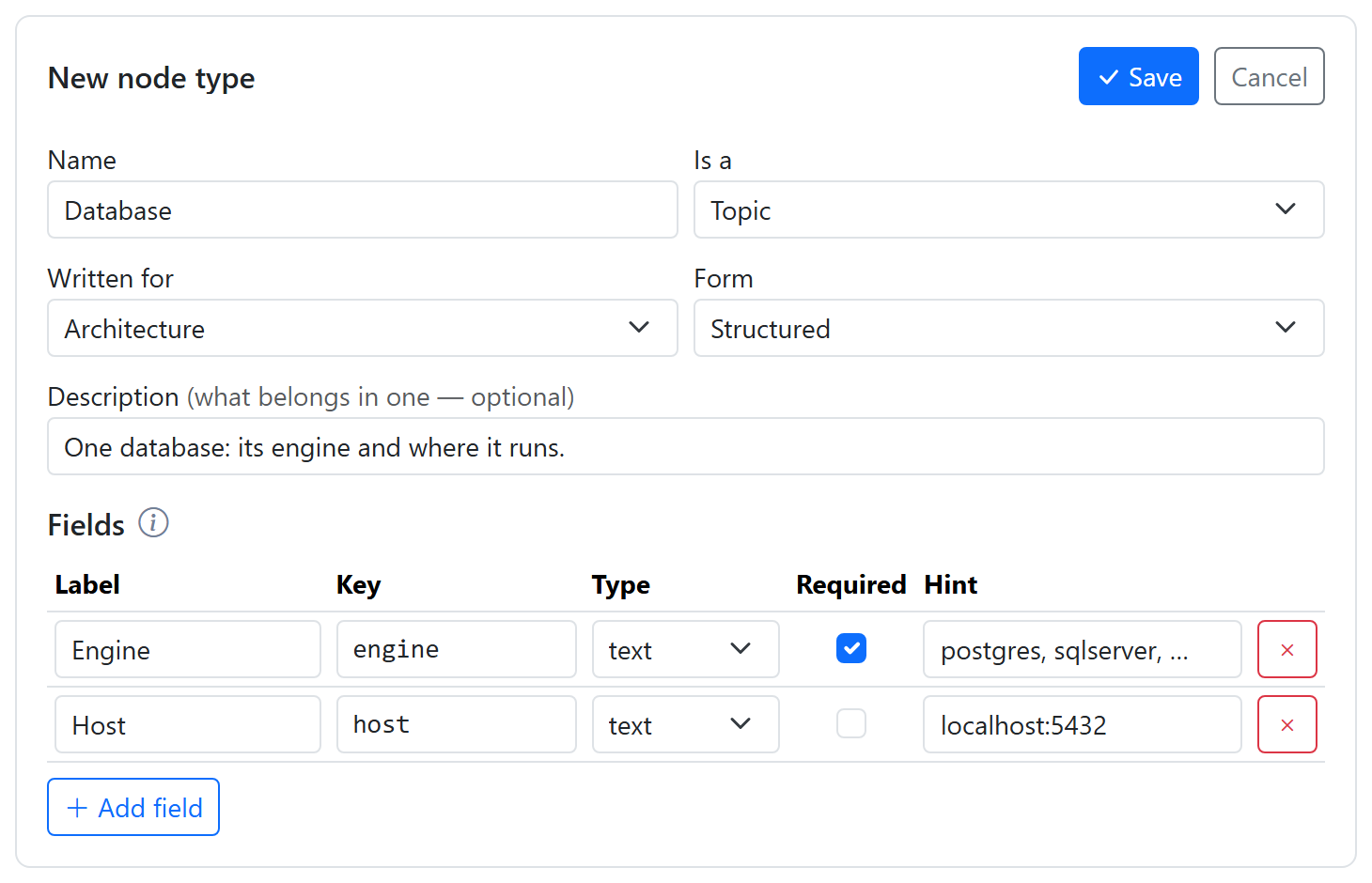
| Field | What it is |
|---|---|
| Name | The type's name, such as Database. |
| Is a | Topic, Folder or Unit of work. |
| Written for | The persona, or Everyone for a shared type. For a unit of work this is Under: Top level, or the type of work it sits under. |
| Form | Structured (fields) or Unstructured (free text). |
| Description | What belongs in one. The AI writes to it, so be specific. |
| Fields | Structured types: Add field, then a Label, a Key, a Type, Required and a Hint for each. Leave the Key empty to have it made from the label when you save: Primary actor becomes primary_actor. |
| Template | Unstructured types: the text a new topic starts from. |
| Lifecycle | Units of work: Add state for each state, in order. Without any, it goes through Planned, In progress, Done. |
Click the form's Save to store the type straight away. The settings screen keeps you to the rules: a unit of work, for instance, offers Under instead of Written for.
Change or remove a type
Select the type, click Edit, change it, and save. Changing a type doesn't rewrite the topics already written: a field you remove stays in their content until they are written again.
To remove a type, select it, click the trash button next to Edit, and confirm. A type that topics still use can't be removed: delete those topics, or move them to another type, first.
Units of work
Units of work make up the work breakdown: a project holds features, a feature holds steps. Each space has its own work breakdown, like a team's board. Each has a state from its type's lifecycle and a progress bar, and a spinner marks one that a flow is working on.
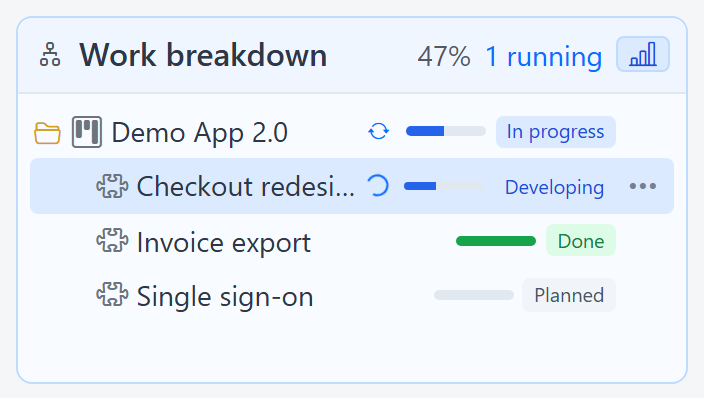
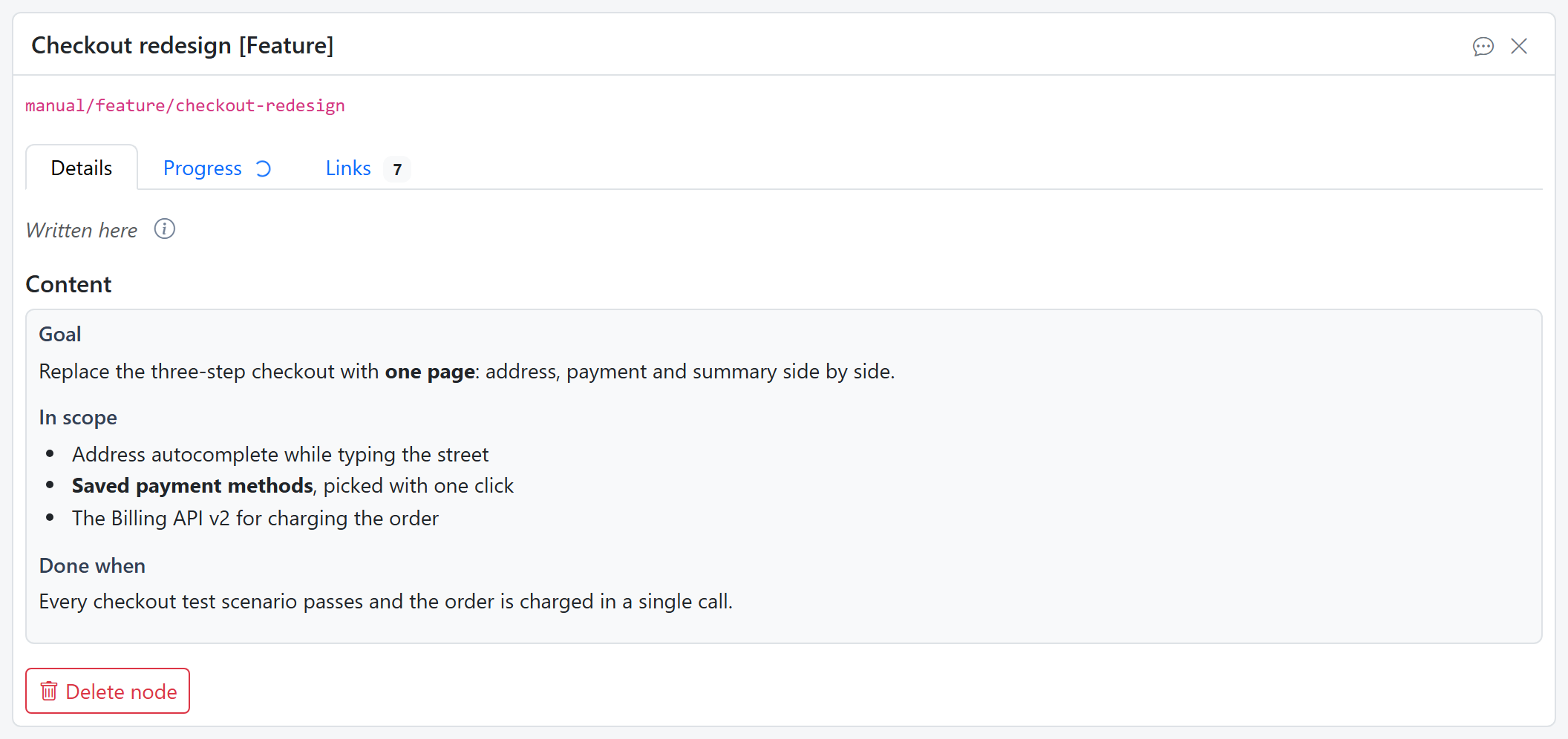
A unit of work has content of its own too, such as a feature's goal, what is in scope and when it is done:
A feature's Links tab shows the topics written about it (about), and the topics someone doing it should read first (context), across all lanes:
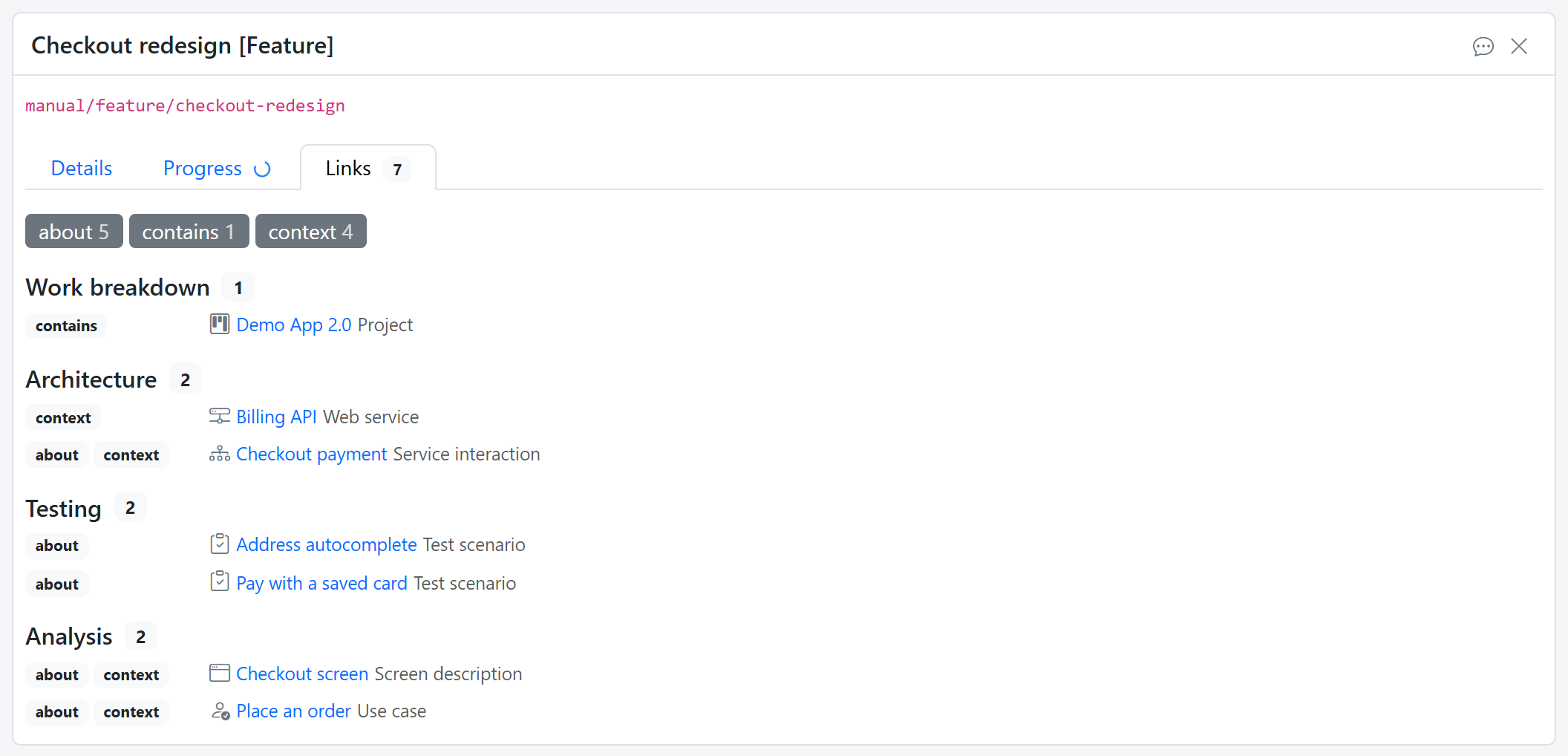
Progress rolls up: a feature with steps under it is as far along as its steps together. A person moves an item one state at a time, forward or back; a flow or an orchestration moves it as the work goes on. Topics written while working on an item are linked to it, so its Links tab answers "what do we know about this?"