Personas
A persona is who knowledge is written for: a role, such as Architecture, Testing or Business analysis, or a specialism, such as PrimeNG specialist. An architect and a tester need different pages out of the same ticket, so each persona gets its own lane of topics.
The Knowledge Base page opens on the lanes: the work breakdown first, then one block per persona, with its description and the top of its tree.
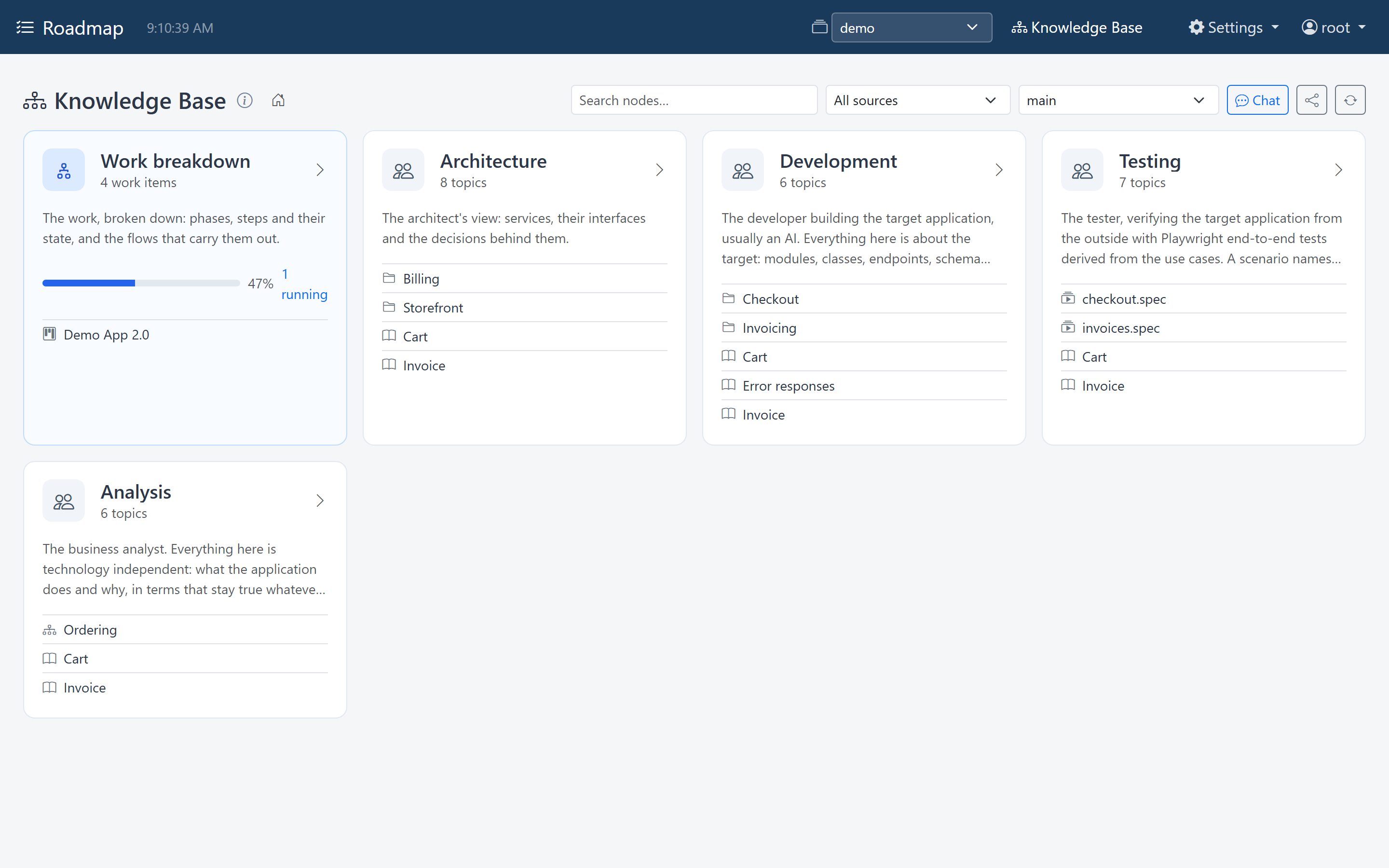
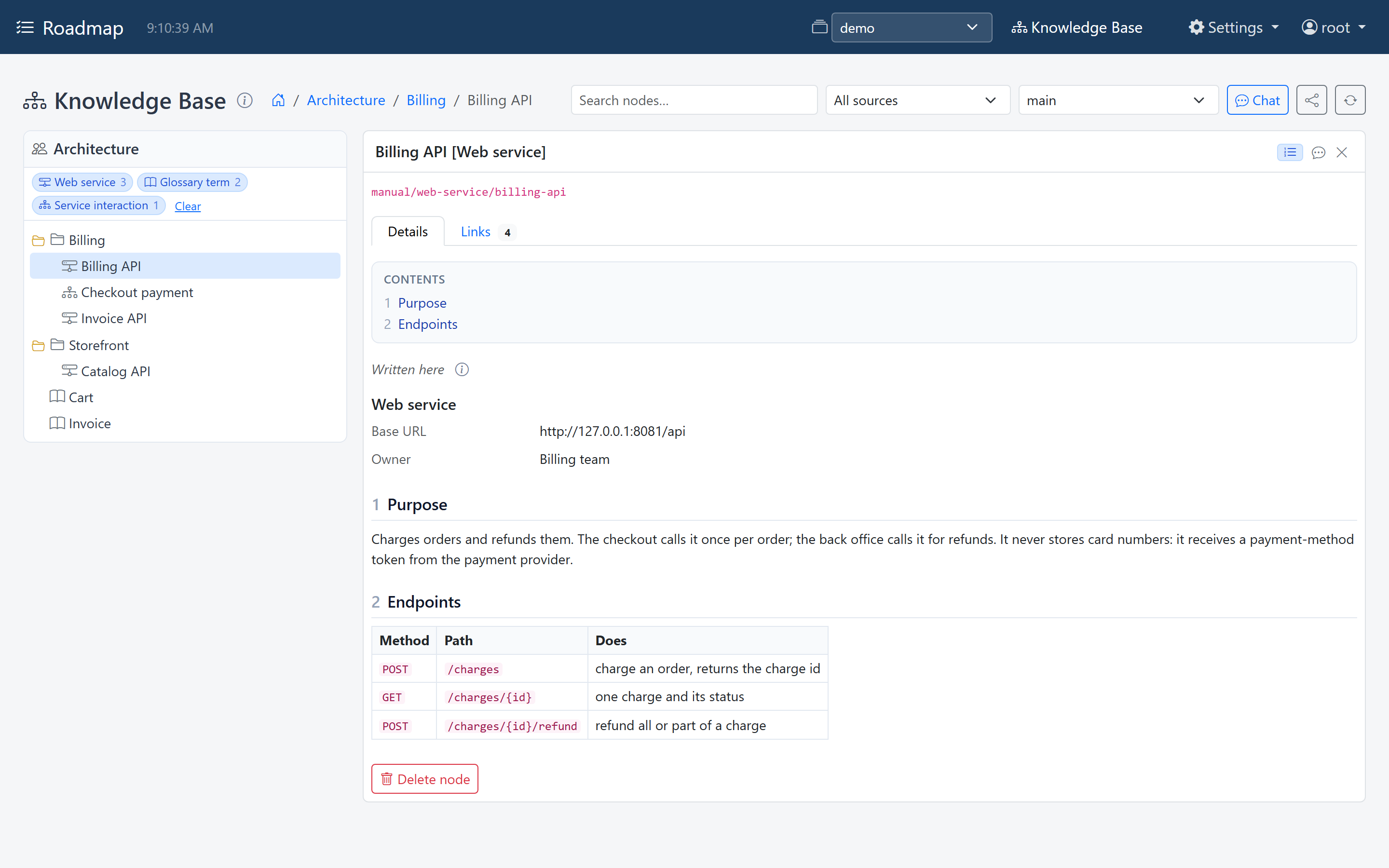
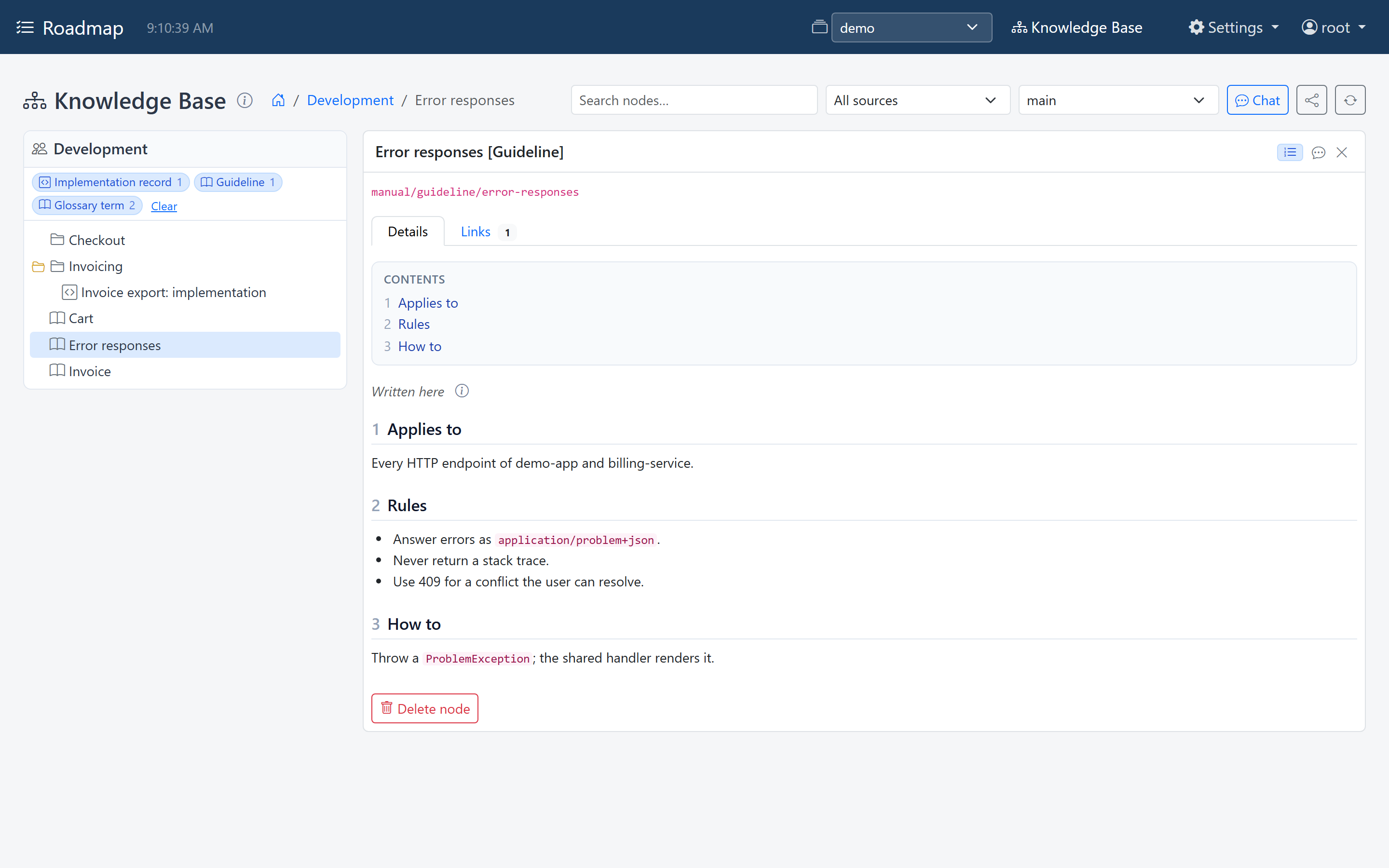
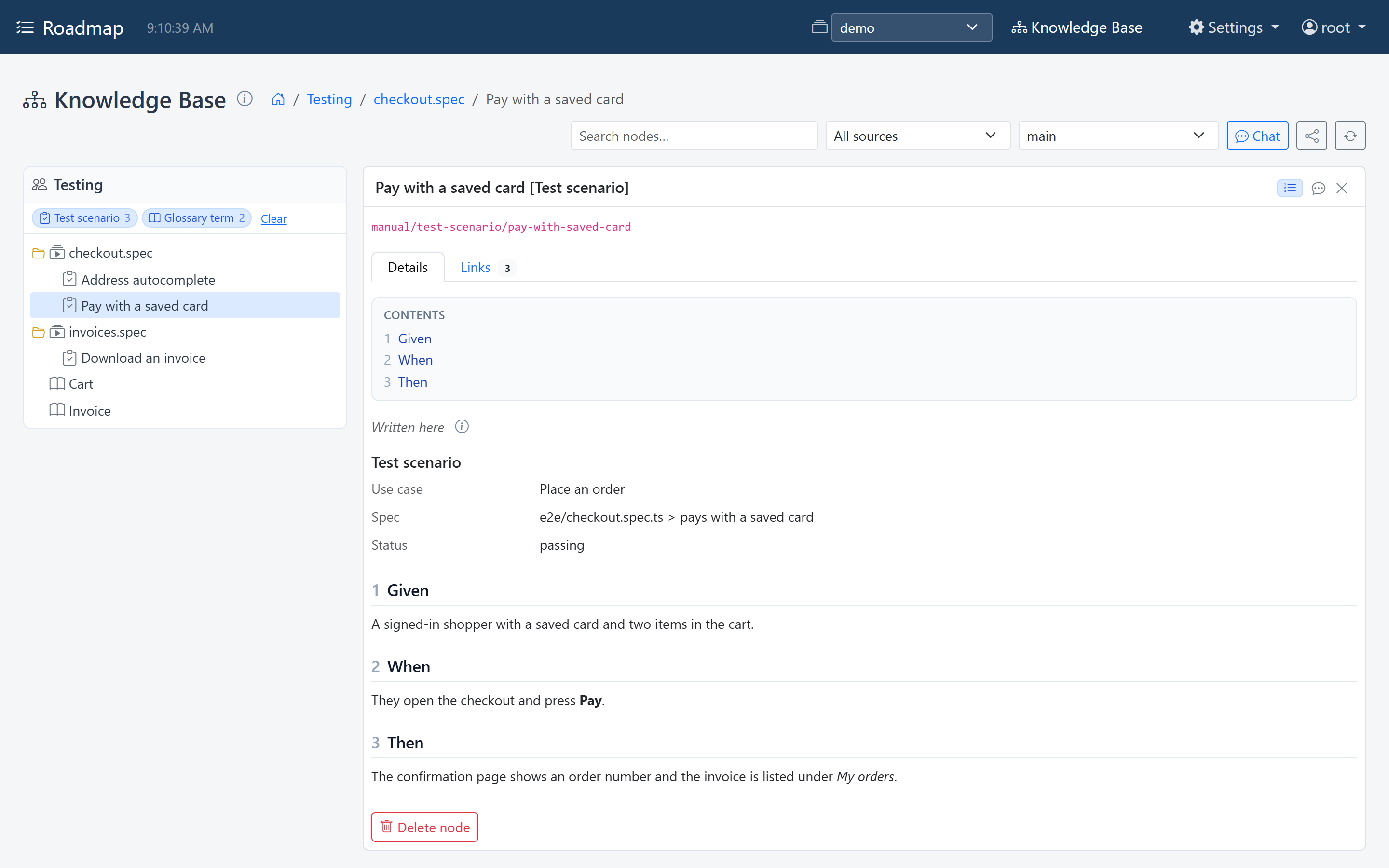
Opening a persona's block browses its lane: its tree of topics on the left, the selected topic on the right (see The explorer). The same feature reads differently in each lane:
The architect's view: services, their interfaces, and the decisions behind them.
The developer building the application: modules, guidelines, implementation records.
The tester: test suites and the test scenarios in them.
The business analyst: what the application does, in terms that stay true whatever it's built with. Use cases, screens and screen flows.
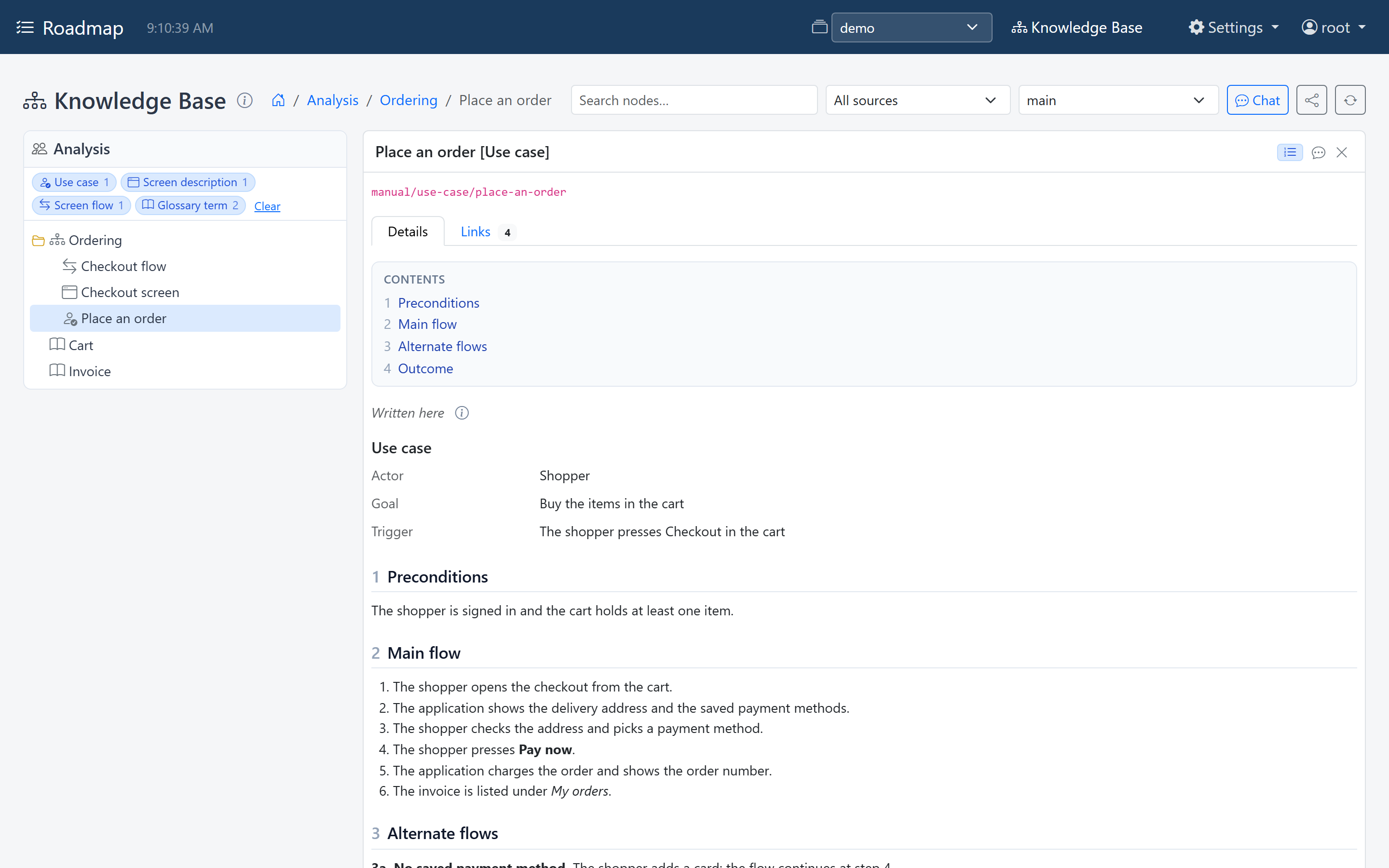
The Cart and Invoice glossary terms appear in every lane: their type is shared by everyone (see Topics).
Set up personas
Personas are set up per space, under Workspace settings → Knowledge Base → Layer 2, and that needs the admin role. To start from ready-made personas and topic types instead, install a pack.
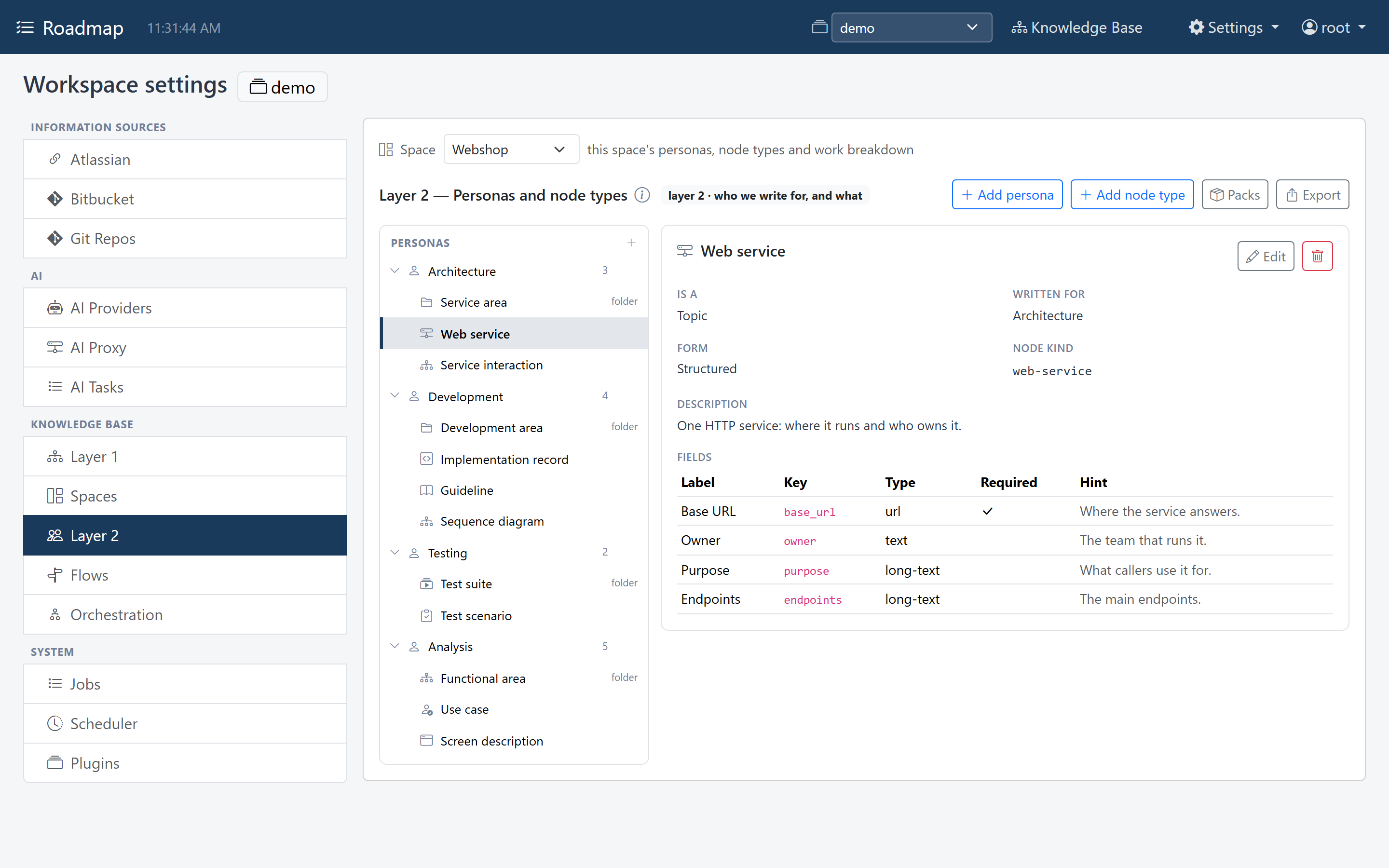
On the left is a tree in three groups:
- Personas, each with the number of topic types written for it. Expand one to see its folder and topic types.
- Shared by everyone: topic types with no persona; their topics appear in every lane.
- Work breakdown: the types of work, nested under their parent type.
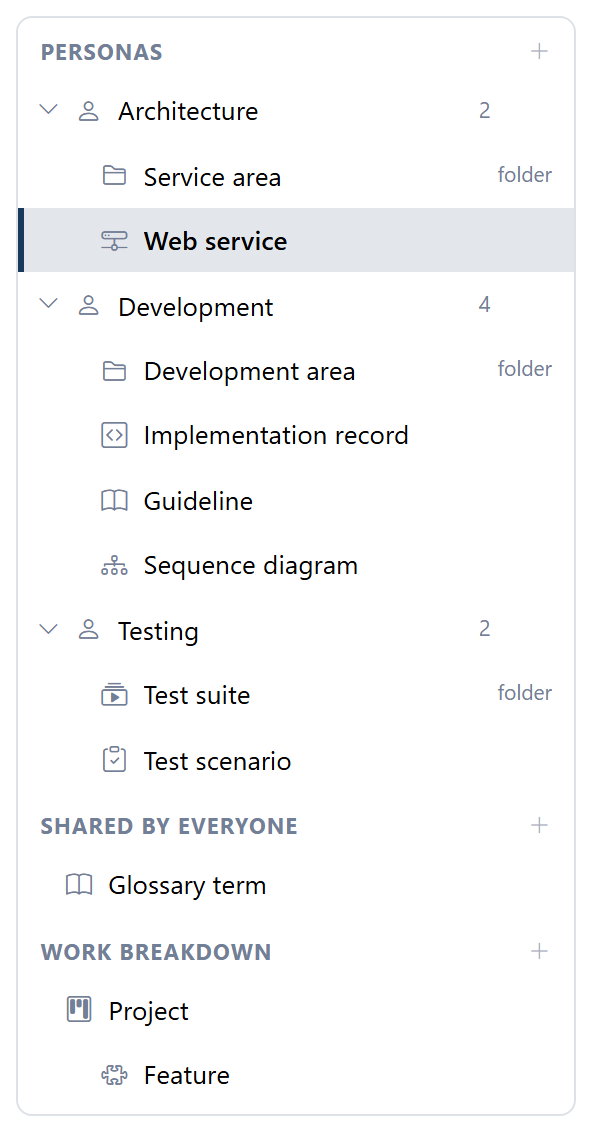
Select a persona or a type to see it on the right, and click Edit to change it.
Add a persona
Click + Add persona, give it a Name and a Description, and click the form's Save. That stores it straight away. A name that is already taken is refused.
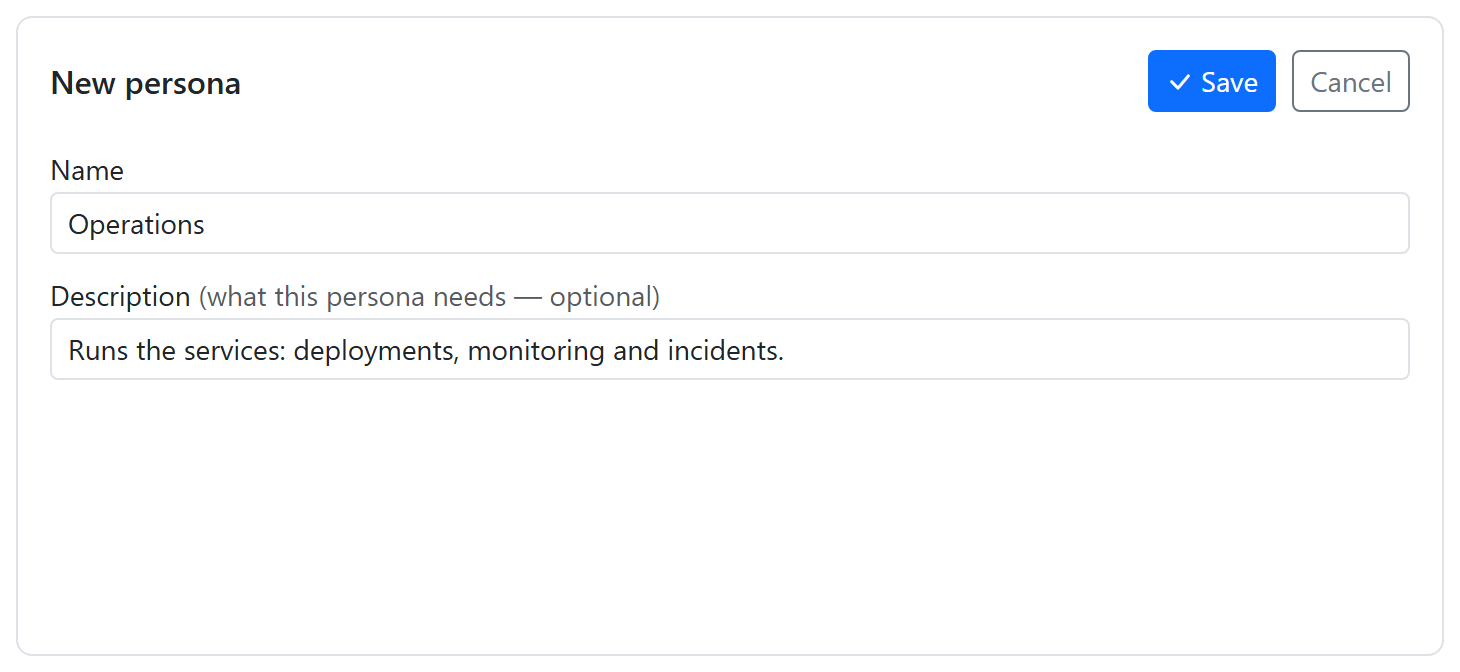
Write the description, even though it's optional: it tells people and AI agents what belongs in that persona's lane, and an AI writing for the persona reads it.
A new persona gets an id made from its name (Business analysis becomes
business-analysis). Topics refer to the persona by that id, so renaming a persona
later keeps its lane. A new persona goes at the end, and the order of the personas
is the order of the lanes.
Then give the persona its topic types.
Remove a persona
Select it, click the trash button next to Edit, and confirm. That is stored straight away. The topic types written for it become shared by everyone, so their topics appear in every lane, and flows that wrote for it stop writing for it.
Reorder personas
The settings screen can't reorder personas. To change the order of the lanes, stop
Roadmap, change the order of the personas list of the space, under
knowledgebase → spaces in the workspace's config.yaml, and start it again. Stop it first: saving in the settings
screen writes the whole file, and would undo an edit made while Roadmap runs.
knowledgebase:
  spaces:
    - id: general
      name: General
      personas:            # the order here is the order of the lanes
        - id: testing
          name: Testing
          description: What to test and how.
        - id: architecture
          name: Architecture
          description: Services, their interfaces and the decisions behind them.
The default workspace uses config.yaml itself; another workspace uses
workspaces/<name>/config.yaml next to it (see
Workspaces).